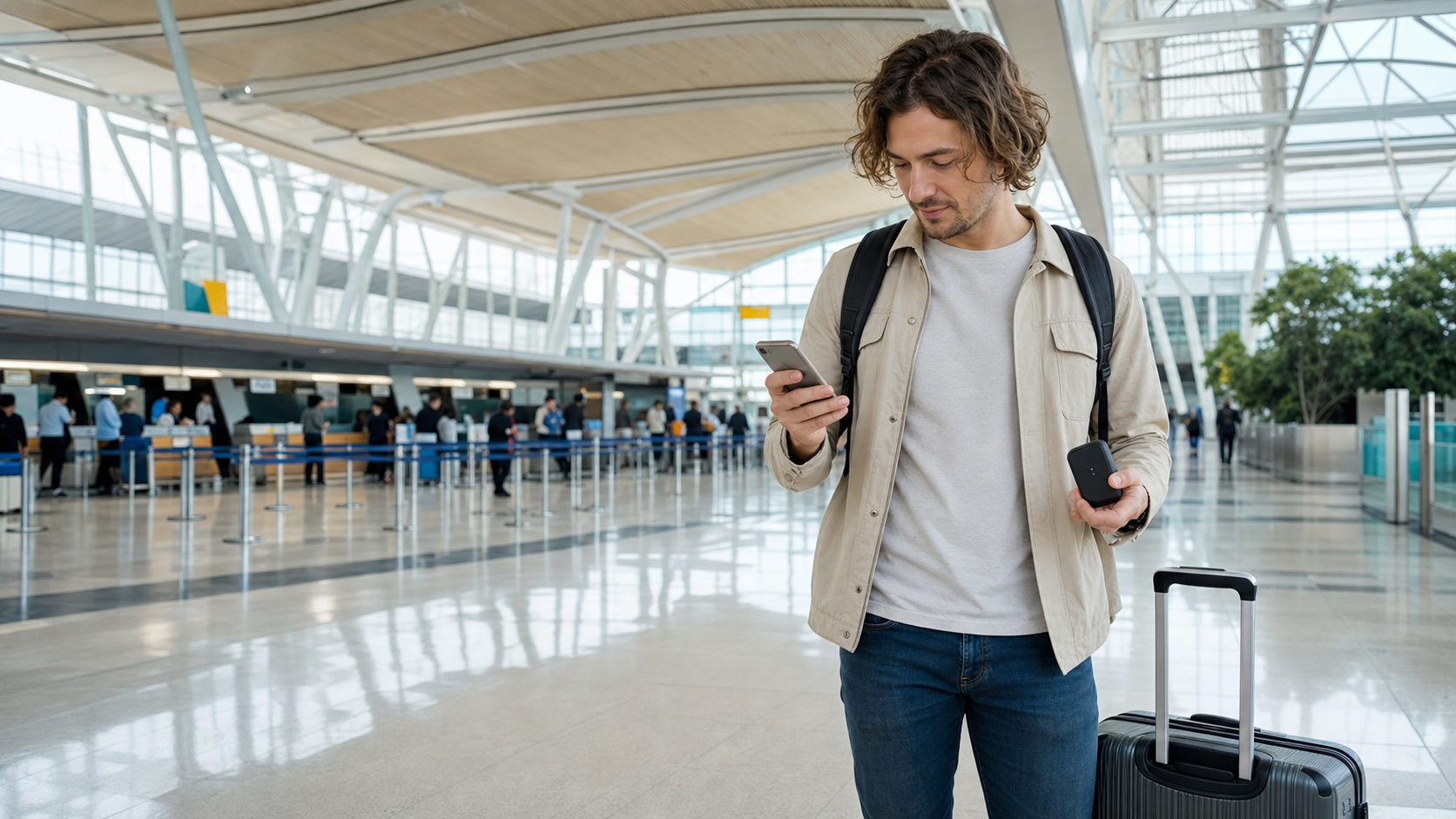
Staying connected in Japan makes almost every part of a trip easier. You can check train platforms, open digital tickets, translate a restaurant menu, confirm hotel details and find your way back after taking the wrong station exit.
For most international visitors, the choice comes down to two options: a travel eSIM installed on a phone or a pocket WiFi router carried throughout the day. Both can work well, but they suit different devices, group sizes and travel habits.
Quick answer: Choose an eSIM if you are traveling alone, have an unlocked compatible phone and want the simplest setup. Choose pocket WiFi if several people or devices need to share one connection. Whichever option you choose, arrange it before arrival and carry a backup plan for navigation and booking details.
The Short Answer
| Choose an eSIM when… | Choose pocket WiFi when… |
|---|---|
| You are traveling alone | Two or more travelers will share data |
| Your phone supports eSIM and is unlocked | Your phone does not support eSIM |
| You want internet without carrying another device | You need to connect a laptop, tablet or several phones |
| You do not want to collect or return equipment | You prefer one shared data plan for the group |
| You can manage installation on your phone | You want familiar WiFi-style setup |
The cheapest advertised option is not always the most convenient. A small price difference matters less than having a connection that works when you are standing in a large station, tired after a flight and trying to find the correct train.
What an eSIM Feels Like During a Japan Trip
An eSIM is a digital mobile plan installed directly on a compatible phone. There is no physical SIM card to insert and no router to charge. After activation, your phone connects to a Japanese partner network and uses mobile data much like it does at home.
In practice, the main advantage becomes clear as soon as you leave the airport. You can put your phone in your pocket and continue traveling without checking whether a separate router is switched on, charged or still inside your bag. This is especially convenient on crowded trains, during day trips and whenever you are moving with luggage.
Installation methods vary by provider. You may scan a QR code, use the provider’s app or enter activation details manually. Some plans can be installed before departure and activated after arrival. Others begin their validity period as soon as installation or network connection occurs, so read the provider’s instructions before scanning anything.
Main advantages of an eSIM
- No collection counter or equipment return
- No extra router or charging cable to carry
- Each traveler keeps an independent connection
- Easy to use while walking, changing trains or separating from a group
- Your normal physical SIM may remain in the phone, depending on the device
Possible disadvantages of an eSIM
- Your phone must support eSIM and normally needs to be carrier-unlocked
- Setup can feel stressful if attempted for the first time after landing
- Each traveler usually needs a separate plan
- Hotspot or tethering rules vary between plans
- Accidentally leaving your home line’s data roaming enabled may create charges
The safest approach is to confirm compatibility, save the installation instructions offline and complete any permitted pre-installation while you still have reliable internet at home.
What Pocket WiFi Feels Like During a Japan Trip
Pocket WiFi is a small portable router. It connects to a mobile network and creates a private WiFi network for your phones, tablets and computers. You normally collect it at an airport counter, hotel or delivery address, then return it in a prepaid envelope or at a designated location.
The practical benefit is easy to understand when two people travel together. Both phones can connect to one router, and a laptop can use the same connection at the hotel. The trade-off appears when the group separates. The person carrying the router keeps the connection, while everyone else may be left without data.
A common arrival-day problem is forgetting that the router itself needs power. Long navigation sessions, video calls and several connected devices can drain its battery. For a full sightseeing day, keeping the router charged often means carrying a power bank and cable as well.
Main advantages of pocket WiFi
- Several travelers and devices can share one connection
- Setup feels familiar: switch it on and enter a WiFi password
- Useful for laptops, tablets and phones without eSIM support
- Can be economical for a group that stays together
- Does not require changing the phone’s mobile-plan settings
Possible disadvantages of pocket WiFi
- The router must be carried and charged every day
- People who separate from the router lose the connection
- Pickup and return instructions add another task to the trip
- Late returns, loss or damage may lead to additional charges
- Performance may slow when many devices use data at once
eSIM vs Pocket WiFi: Side-by-Side Comparison
| Feature | eSIM | Pocket WiFi |
|---|---|---|
| Best for | Solo travelers and independent users | Couples, families and multiple devices |
| Equipment | No separate device | Portable router and charging cable |
| Setup | Install on a compatible unlocked phone | Connect to a WiFi network |
| Group separation | Each person with a plan stays connected | Connection stays with the router |
| Battery use | Uses the phone battery | Router and phone both need power |
| Pickup and return | Usually unnecessary | Usually required |
| Laptop use | Only if tethering is allowed | Normally straightforward |
| Loss risk | No rental device to lose | Loss or damage fees may apply |
Choose Based on How You Actually Travel
Solo traveler
An eSIM is usually the simplest choice. You do not need to share data, and removing one device from your daily checklist is useful when you are managing luggage, tickets and directions alone.
Couple or group staying together
Pocket WiFi can be good value when everyone follows the same itinerary. However, decide who will carry and charge it. If one person goes shopping while another returns to the hotel, only one side keeps the shared connection.
Family with children and several devices
A pocket router may be easier for connecting several phones and tablets. Check the provider’s device limit and data policy, particularly if passengers will stream video during long train journeys.
Travelers who may separate
Individual eSIMs are safer. Independent connections make it easier to change plans, meet at a different exit or contact each other after becoming separated inside a major station.
Working during the trip
If a laptop connection is essential, confirm tethering rules before purchasing an eSIM. Pocket WiFi is often more convenient for several devices, but neither option should be treated as a guaranteed replacement for a secure and stable business connection.
Before You Buy: Three Checks That Prevent Most Problems
1. Confirm that your phone supports eSIM
Support depends on the model, country and carrier. Do not rely only on the model name: some regional versions differ. Check the device settings and the manufacturer’s official support page. If your phone is locked to a carrier, a travel eSIM may not work even when the hardware supports it.
2. Read the activation and validity rules
Find out exactly when the plan begins: purchase, installation, activation or first connection in Japan. Save the QR code and instructions somewhere available offline, but remember that many QR codes can only be used once.
3. Check the data policy, not just the headline allowance
“Unlimited” can still include fair-use restrictions, daily high-speed limits or slower speeds after heavy use. Check coverage, tethering permission, support hours and what happens when the high-speed allowance is exhausted.
Battery, Charging and Backup Plans
Navigation, translation, photography and ticket apps can consume more battery than expected. With an eSIM, the phone is the single point of failure. With pocket WiFi, you must keep both the router and phone alive. A compact power bank and the correct cables are useful with either option.
Before leaving the hotel, take screenshots of the day’s important information: hotel address, reservation numbers, destination names in Japanese and the route back. Download an offline map for the main area. These small preparations remain useful even when mobile service is working normally.
Connectivity also works best alongside basic transport preparation. Read our Japan Train Guide for First-Time Visitors and our guide to using Suica, PASMO and ICOCA.
Which Option Should You Choose?
Choose an eSIM if you have a compatible unlocked phone, want the least equipment and expect to move independently. It is usually the most convenient option for a solo traveler.
Choose pocket WiFi if several devices need access, your group will remain together or your phone cannot use eSIM. It can also be useful when you need a familiar WiFi connection for a laptop.
Consider a backup combination when internet access is particularly important. For example, one traveler can use a small eSIM plan while the group shares pocket WiFi. This costs more, but it prevents the entire group from losing access if the router battery runs out or the travelers separate.
Compare Japan Connectivity Options
Affiliate disclosure: Some links in this section may be affiliate links. If you make a qualifying purchase, Easy Japan Compass may receive a commission at no additional cost to you. Recommendations should be based on suitability, not commission.
When comparing eSIM plans, check supported devices, network coverage, validity period, high-speed data, tethering and customer support.
When comparing pocket WiFi rentals, check pickup and return locations, battery specifications, device limits, fair-use rules and loss or late-return charges.
Frequently Asked Questions
Can I buy an eSIM after arriving in Japan?
Usually, yes. However, purchasing and activating one requires internet access. Preparing it before departure is often easier than troubleshooting it on airport WiFi after a long flight.
Can I keep my normal phone number?
Many dual-SIM phones can keep the home line enabled while using the travel eSIM for data. Check your settings carefully because calls, messages or data on the home line may create roaming charges.
Does pocket WiFi work on the Shinkansen?
It normally works wherever the underlying mobile network has coverage, but signal strength may vary in tunnels, rural areas and fast-moving trains. The same limitation can affect an eSIM.
How much data do I need?
Maps, messaging, web searches and translation generally use much less data than streaming video, cloud backups or video calls. Moderate travelers often need only a few gigabytes per week, but usage varies widely. Disable automatic photo backups and app updates if you want to conserve data.
Is free public WiFi enough?
Public WiFi is useful as a backup but is not dependable enough to be the only connection for most trips. Availability, sign-in procedures and performance vary, and open networks require normal security caution.
Final Recommendation
For a solo visitor with a compatible unlocked phone, an eSIM is usually the easiest answer. For a family, group or traveler carrying several devices, pocket WiFi may offer better value and simpler sharing.
The best option is the one that fits your actual travel pattern. Confirm compatibility, arrange service before departure, save essential information offline and carry enough battery power for a long sightseeing day.
Device setup references: Apple: Use eSIM while traveling internationally · Google: Learn about eSIM on Pixel phones · Samsung: Galaxy eSIM support